

𝒮𝓉𝒶𝓎 𝓉𝓇𝓊ℯ
Tattoo Font Generator
Find a lettering direction for a name, meaningful word, or short quote. Type once, compare 24 Unicode styles, and copy your favorites for a tattoo mood board or artist brief.
LIVE UNICODE PREVIEW
Type once. Compare 24 styles.
Your text stays in this browser.
Try:
24 lettering treatments: 14 Unicode alphabets, 6 capital or spacing variations, and 4 decorative variations. These are copyable text references, not downloadable font files.
24 styles shown
𝓢𝓽𝓪𝔂 𝓽𝓻𝓾𝓮
𝒮𝒯𝒜𝒴 𝒯ℛ𝒰ℰ
𝔖𝔱𝔞𝔶 𝔱𝔯𝔲𝔢
𝕾𝖙𝖆𝖞 𝖙𝖗𝖚𝖊
𝔖𝔗𝔄𝔜 𝔗ℜ𝔘𝔈
𝕾𝕿𝕬𝖄 𝕿𝕽𝖀𝕰
𝐒𝐭𝐚𝐲 𝐭𝐫𝐮𝐞
𝑆𝑡𝑎𝑦 𝑡𝑟𝑢𝑒
𝑺𝒕𝒂𝒚 𝒕𝒓𝒖𝒆
𝕊𝕥𝕒𝕪 𝕥𝕣𝕦𝕖
𝐒𝐓𝐀𝐘 𝐓𝐑𝐔𝐄
𝐒 𝐓 𝐀 𝐘 𝐓 𝐑 𝐔 𝐄
𝑆𝑇𝐴𝑌 𝑇𝑅𝑈𝐸
𝗦𝘁𝗮𝘆 𝘁𝗿𝘂𝗲
𝘚𝘵𝘢𝘺 𝘵𝘳𝘶𝘦
𝙎𝙩𝙖𝙮 𝙩𝙧𝙪𝙚
𝚂𝚝𝚊𝚢 𝚝𝚛𝚞𝚎
ѕᴛᴀʏ ᴛʀᴜᴇ
Stay true
✦ 𝒮𝓉𝒶𝓎 𝓉𝓇𝓊ℯ ✦
♡ 𝓢𝓽𝓪𝔂 𝓽𝓻𝓾𝓮 ♡
† 𝕾𝖙𝖆𝖞 𝖙𝖗𝖚𝖊 †
◇ 𝐒𝐭𝐚𝐲 𝐭𝐫𝐮𝐞 ◇
What is a tattoo font generator?
A tattoo font generator helps you compare how your own words look in different lettering styles. FontMaker creates copy-and-paste Unicode text in your browser, so you can explore a name, date, or quote without installing a font or creating an account.
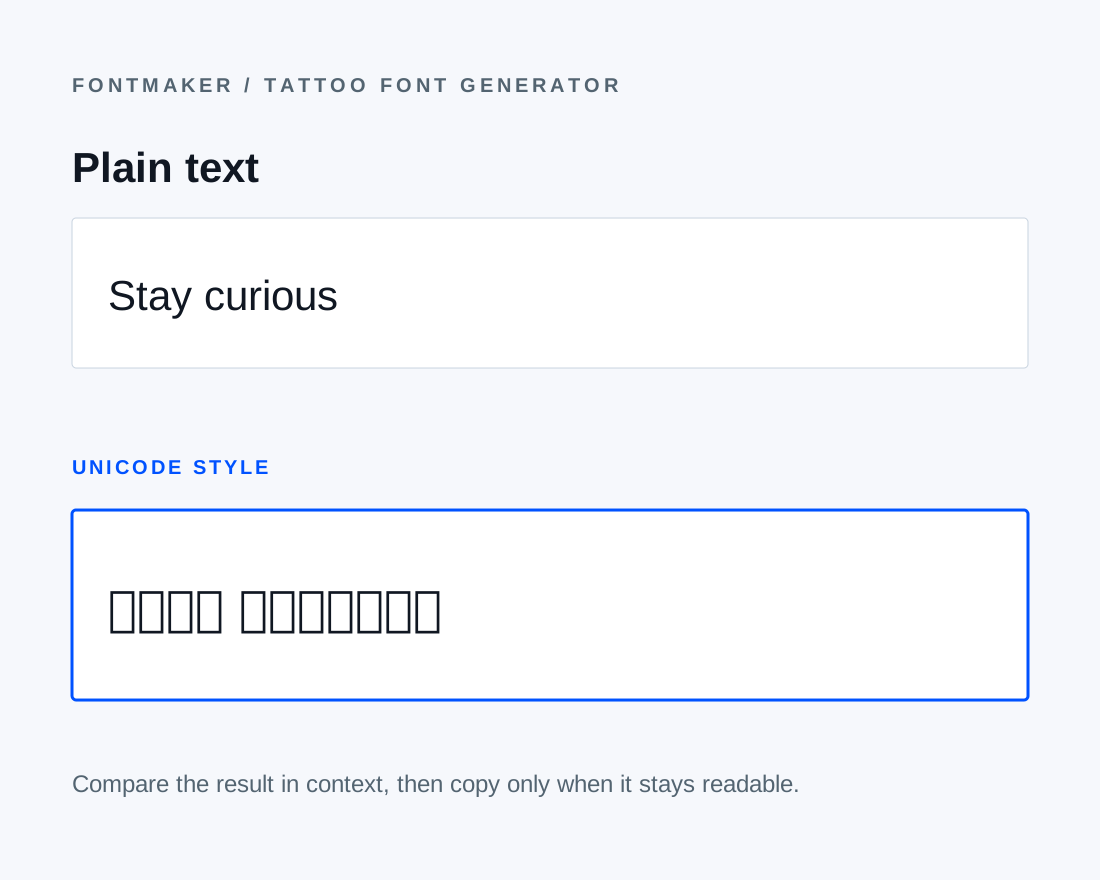
Unicode styling replaces supported letters with alternate characters. It does not create a new typeface, draw custom calligraphy, or generate a printable stencil. Keep the original text with the styled version so the spelling remains easy to check.
Words with meaning
Names, a line to live by, or a date to remember. Start with what matters to you.
NAMES & INITIALS
A name, made personal
Start with a name such as Amelia or a pair such as Mia & Leo. Compare capitals and lowercase letters, and double-check accents and punctuation. Unsupported characters keep their original form rather than being translated.
Explore script stylesWORDS & SHORT QUOTES
A few words. A lasting meaning.
Try a phrase such as Stay true, Still I rise, or One day at a time. Compare a flowing script with a plain, structured option. Shortening a quote can make the visual differences easier to assess.
Explore gothic stylesDATES & ROMAN NUMERALS
Keep a date close
Enter the date exactly as you want it written. For example, August 24, 2026 can be written as VIII.XXIV.MMXXVI in month-day-year order. Confirm both the order and the conversion yourself; this tool styles the text you enter.
Explore serif stylesFind your lettering style
Five directions. One set of words. Compare the character of each family before choosing a favorite.
Script and cursive tattoo lettering
Compare Classic Script with Bold Script for a flowing name or short phrase. Capital variations show a different composition using the same alphabet. These characters suggest calligraphy, but do not create connected, custom-drawn handwriting.
Try this familyOld English and gothic tattoo lettering
Old English and Bold Blackletter offer angular, ornate forms. Try the actual letters in your word, then compare mixed case with capitals. Similar-looking letters can be easier to spot when the original spelling is beside the preview.
Try this familySerif lettering and Roman-style capitals
Strong Serif, Serif Italic, and Bold Serif Italic provide structured alternatives to script. Roman-style capitals and spaced capitals help you compare the same word as an inscription. The Roman numeral example is a sample, not an automatic date converter.
Try this familyMinimal and typewriter-style lettering
Try clean sans, Small Caps, Typewriter Mono, or Wide Letters for a simpler direction. Monospaced characters create a typewriter-like rhythm; the wide treatment changes character width without adjusting individual letter spacing.
Try this familyDecorative lettering references
Stars, hearts, crosses, and diamonds frame an existing alphabet. They are labeled decorative variations so you can compare the treatment separately from the underlying lettering. Choose symbols for their meaning as well as their appearance.
Try this familyFrom a few words to a clear idea
Use this free tattoo font generator to explore, compare, and share your lettering direction.
Make it yours
Enter a name, short phrase, date, or your own Roman numerals. You can also select an example above the results.
Find the feeling
Choose a lettering family and compare the same text across styles. Return to All styles to see all 24 treatments.
Save a favorite
Copy a favorite into your notes or mood board. Keep the plain-text spelling and check the result in the receiving app.
Share the direction
Share the reference with your tattoo artist and discuss the final lettering, size, spacing, and placement together.
Make the idea easier to share
A useful starting point for the conversation, wherever you are in the process.
Your first tattoo
Turn a vague preference into a few clear lettering references. Compare your own wording before you bring it to an appointment.
An artist consultation
Explore the same phrase together, then discuss letter shapes, spacing, size, and placement with your artist.
A creative mood board
Collect typography directions for a project. Keep the original spelling with each treatment and check licensing separately for any font files you use.
USE IT WELL
Turn your lettering idea into an artist brief
Save the original spelling alongside two or three favorite treatments. Note the intended placement, approximate size, and whether you prefer open spacing or compact lettering. These Unicode previews communicate a direction; your artist can redraw the composition, adjust individual letters, and prepare the final stencil. A screen preview does not predict how a tattoo will look on skin.
Tattoo Font Generator FAQ
Is this tattoo font generator free?+
Yes. You can preview and copy all 24 lettering treatments for free without signing up. Text conversion happens in your browser.
How many tattoo fonts can I compare?+
There are 24 lettering treatments built from 14 Unicode alphabets, with 6 capital or spacing variations and 4 decorative variations. Variations are labeled; they are not 24 independently designed font files.
Which style should I use for a name or short quote?+
Compare Script for flowing forms, Gothic for angular lettering, Serif for an inscription-like direction, and Minimal for simpler shapes. Use your exact wording and discuss the final choice with your artist.
Can I copy and paste the lettering?+
Yes. Click Copy on a style, then paste it into a note, message, or mood board. The copied result contains Unicode characters, not a font file. Appearance can vary across apps and devices.
Can I download a tattoo stencil or PNG?+
This page provides text previews and copying. It does not export PNG images, printable stencils, or TTF/OTF fonts. Share the text as a reference and have your artist prepare the final artwork.
Can I change font weight or letter spacing?+
Choose a regular or bold alphabet where available, or try the labeled Spaced Roman Capitals variation. There is no continuous weight or spacing slider; Unicode text cannot provide custom kerning.
Why do numbers, accents, or some letters stay unchanged?+
Unicode styled alphabets have limited coverage. Supported letters and digits are converted; other characters retain their original form. Preview your complete name or date, including accents and punctuation, before copying.
Does the generator convert dates to Roman numerals?+
No. The Roman numeral example is a prepared sample. Enter and verify your own numeral text and date order before styling it.
Are these previews ready to tattoo?+
They are lettering references. Your artist should adapt the composition and prepare the final stencil for the intended size and placement. A digital preview cannot guarantee a result on skin.
Does FontMaker use AI to generate this lettering?+
No. The tool maps supported letters to Unicode characters directly in your browser. It does not send your entered text to an AI model.
Practical Unicode guides
Fonts for social mediaGaming and Discord namesUnicode compatibility explainedFind the lettering
that feels like you.
A name, a phrase, a moment. See where your words take you.
Try your text