Find directional, diagonal, double-line, and decorative arrow characters in one place. Copy a single arrow or assemble a sequence without leaving the page.
UNICODE SYMBOL LIBRARY
Tap to copy or build a string.
Rendering can vary by device.
YOUR SYMBOL STRING
Tap symbols to build a string...
Basic arrows
Double arrows
Decorative arrows
IDEAS FOR YOUR WORDS
Arrow symbols that point the way.
Choose a direction first, then compare a simple arrow with double-line and decorative alternatives. The library covers short labels, profile accents, and text notes. Copy one arrow or assemble a sequence in the tray before pasting.
NEXT & FORWARD
Right arrow symbols to copy and paste
The basic right arrow → works as a compact cue beside “next” or a short label. A heavier arrow such as ➜ creates more emphasis. Include a word that explains the destination; the character itself does not make text clickable.
Use ↑ and ↓ for vertical direction, or ↗ and ↘ when a diagonal better matches your note. Test the symbol at the same size as the surrounding text. A simple arrow is easier to distinguish than an ornate one in a narrow bio.
Compare ⇒ with the two-way arrow ⇔ when describing a step or a relationship. These symbols can have specific meanings in technical writing, so choose the one that fits your explanation. They remain plain characters after copying, not a diagram or interactive control.
Arrow symbols can support a label, but they should not be the only cue in an interface or safety instruction. Pair the symbol with plain text when direction matters.
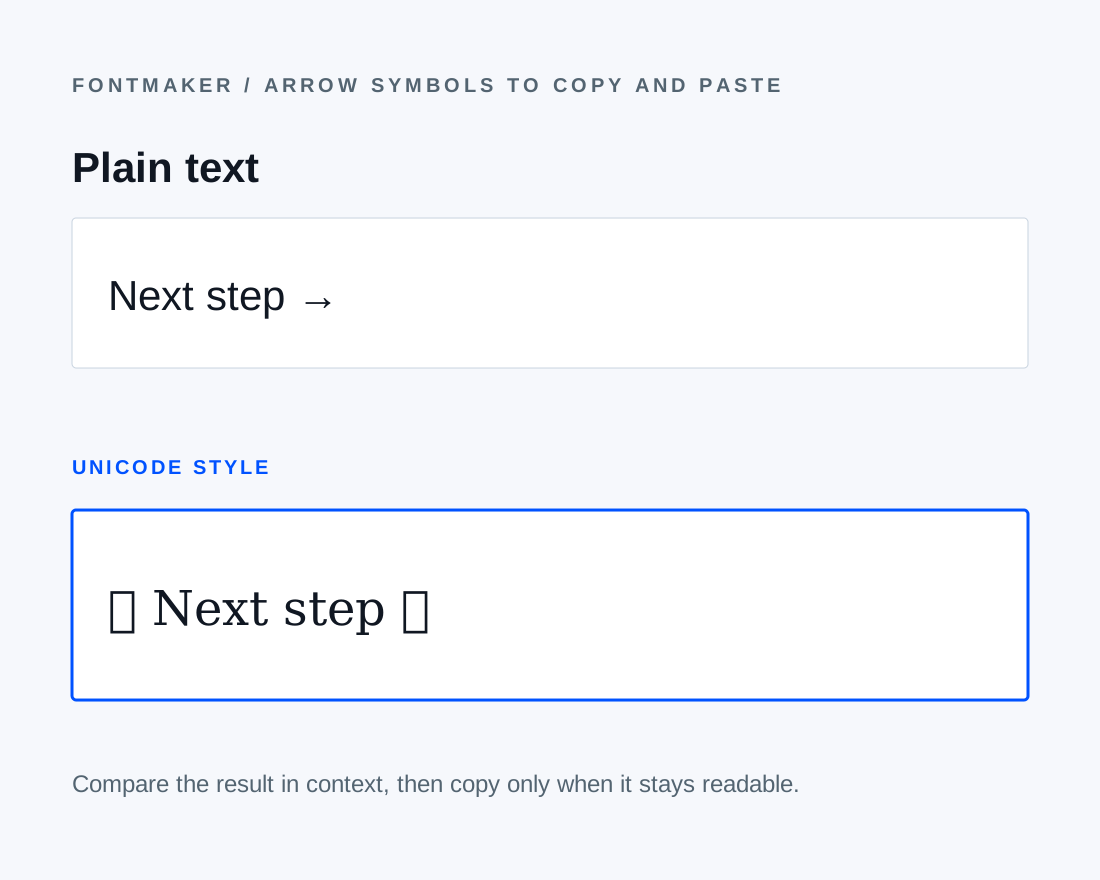
Compare a plain result with a styled Unicode treatment before copying.COMMON QUESTIONS
Arrow Symbols to Copy and Paste FAQ
Can an arrow change size after pasting?+
Yes. The destination font and text size control its final appearance.
Which arrows are most widely recognizable?+
The basic left, right, up, and down arrows are clearer than ornate variants in small text.
How do I copy a left or right arrow?+
Tap ← or → in Basic arrows. The selected character is copied and added to the tray. To copy a sequence of arrows together, assemble it and use Copy all.
Which arrow can point to a link in my bio?+
Try → for a horizontal label or ↓ when the link is below the text. Keep a clear label such as “Portfolio” beside it, and check the layout after pasting.
Does an arrow symbol turn text into a link?+
No. An arrow is a Unicode character. Add a link through the destination app’s link field or formatting controls; copying an arrow alone does not create one.
Why does my copied arrow look thicker in another app?+
The destination font supplies the arrow glyph, so stroke weight, length, and alignment can change. Compare a basic arrow with a decorative one in that app before deciding.